Video subtitles
For the WordPress standard video block, you can add text tracks from the dedicated block’s option. For the nuevo shortcode, you have to type details for each track. Multiple tracks are separated coma.
[nuevo source="src=hls-playlist-url.m3u8 type=application/x-mpegURL" poster="poster-image-url.jpg" tracks="src=//vtt-file_en.vtt kind=subtitles srclang=en label=English default=1, src=vtt-file_de.vtt kind=subtitles srclang=de label=German, src=vtt-file_es.vtt kind=subtitles srclang=es label=Spanish"]It is possible to show a subtitles menu inside the settings menu and to allow switching subtitles on and off with one click on the subtitles button. You just need to enable ccsubmenu option inside the shortcode.
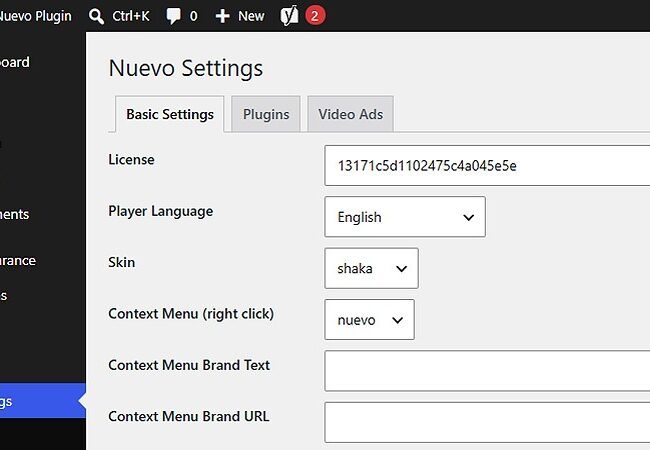
[nuevo source="src=hls-playlist-url.m3u8 type=application/x-mpegURL" poster="poster-image-url.jpg" tracks="src=//vtt-file_en.vtt kind=subtitles srclang=en label=English default=1, src=vtt-file_de.vtt kind=subtitles srclang=de label=German, src=vtt-file_es.vtt kind=subtitles srclang=es label=Spanish" ccsubmenu=true][/nuevo]ccsubmenu option is also available to set on WordPress Nuevo settings page.